



Help
Talk to Us
02-026-3147
All Products
Need help? Reach out to us

Need Help with Your Order?

Reach out now for quick support!

Add line
Need help? Reach out to us

X-Stands
Quick Links

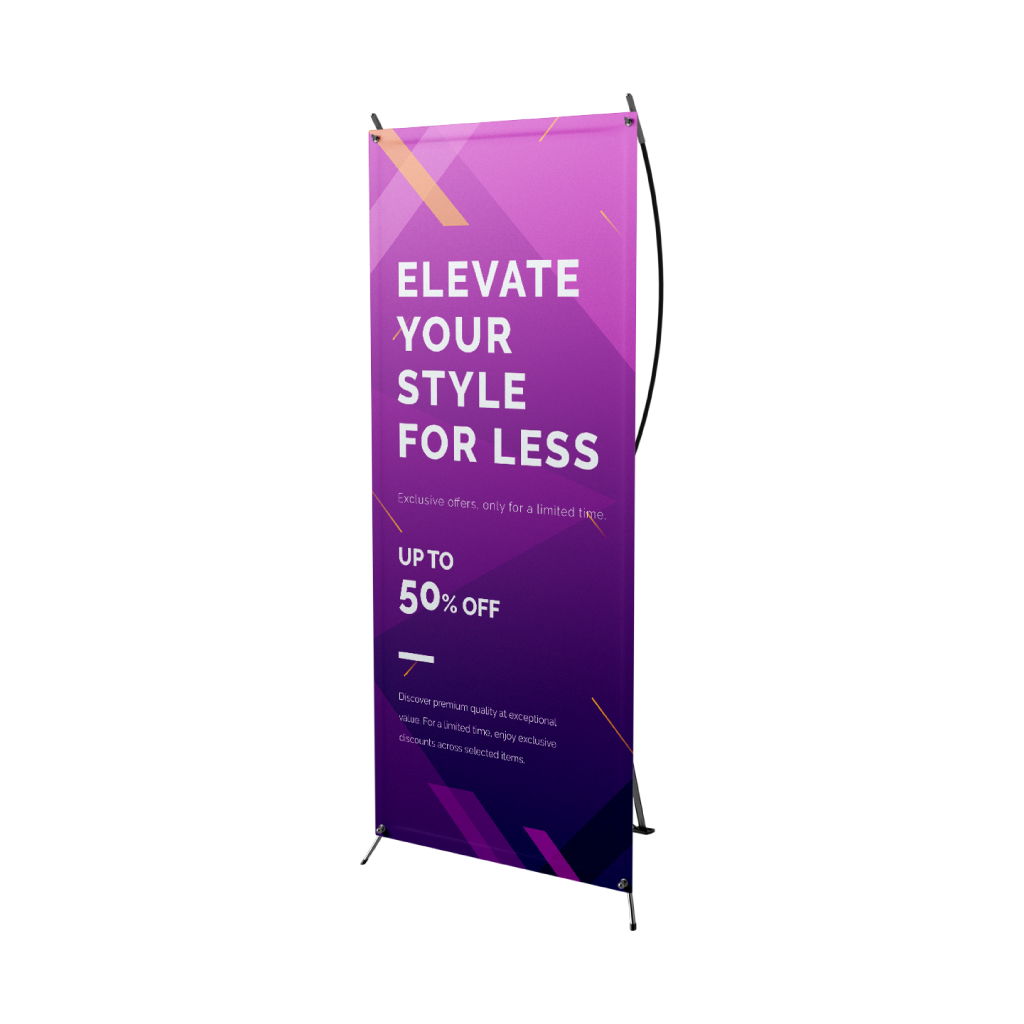
X-Stands are one of the most versatile marketing tools for any business. They are a quick and inexpensive way to share your contact details with business partners or new potential clients and play an important role in creating a lasting first impression

THB 422.53
Per 1 pcs
Fast Delivery
Product - 1
Product - 1
Don't know where to start from?
STEP 1Do you have a design ready?
STEP 2Choose Your Options
Need help configuring your product or preparing your artwork?
10400, BANGKOK
X-Stands
Size
Choose Size
Infos & TipsOur X-Stands are a lightweight, cost-effective display solution, perfect for events, trade shows, retail promotions, and presentations. Measuring 2ft (W) x 6ft (H), they offer a tall and narrow format ideal for showcasing vertical banners with clear, eye-catching messaging.
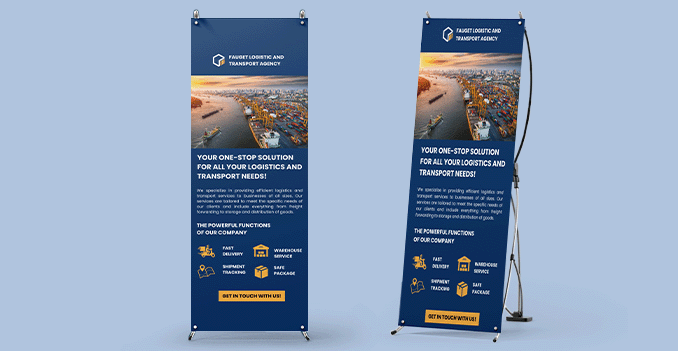
How to choose the ideal size?If you have a design, verify its dimensions using Adobe Acrobat’s 'Check Document Property' function; learn more here. Don’t have a design yet? Use our templates specifically tailored for the available sizes.
Material
Choose Material
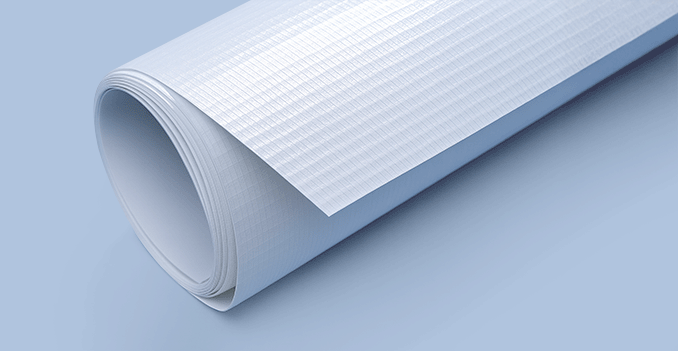
Infos & TipsOur X-stands feature high-quality printing on glossy PP material, designed specifically for sleek indoor displays.
Why choose X-stands with PP glossy?The glossy PP finish enhances color vibrancy and sharpness, making your visuals stand out, while the durable X-stand frame provides stability and easy setup—perfect for exhibitions, presentations, and retail promotions.
Refinement
Choose Refinement
Infos & TipsOur premium X-stands are available with either glossy or matte lamination for added protection and finish.
Should you choose glossy or matte lamination?Glossy lamination enhances colors with a shiny, vibrant finish—great for eye-catching visuals. Matte lamination offers a smooth, non-reflective look for a more elegant, professional feel—ideal for text-heavy or upscale designs.
Stand Option
Choose Stand Option
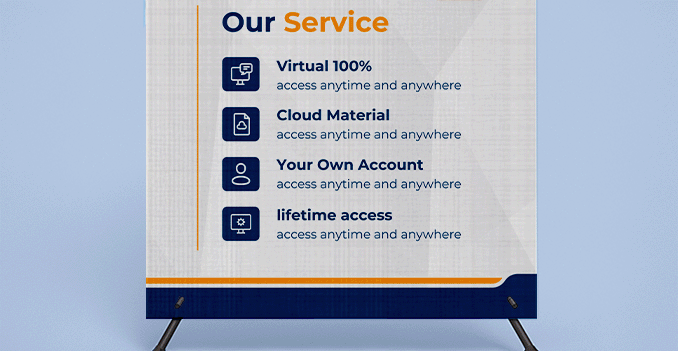
Infos & TipsWe offer the option to include a stand with your banner for a complete, ready-to-use setup.
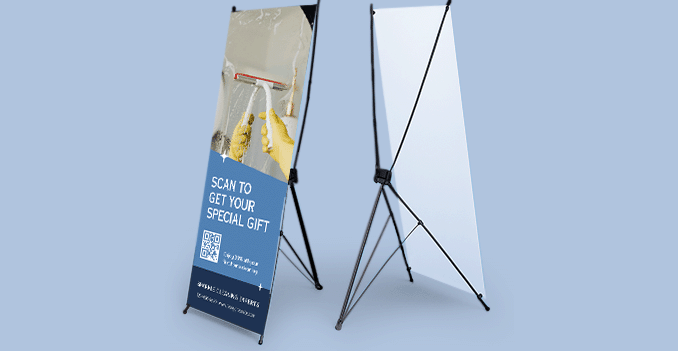
Why include a stand?Selecting this option means your banner will come with a compatible, lightweight, and easy-to-assemble stand—perfect for events, presentations, or retail environments.
STEP 3

Choose a Quantity & Delivery Date

Please select the price below to see the cutoff time.
Quantities
Receive your products by
1 pcs
Bestseller
2 pcs
3 pcs
4 pcs
5 pcs
10 pcs
25 pcs
50 pcs
100 pcs
Sat, 17 Jan
Fastest
Mon, 19 Jan
Wed, 21 Jan
Cheapest
Can't find the quantity you're looking for? You can add a custom quantity you want
Set Custom Quantity

Product's quantity must be more than 1 pcs and less than 1,000 pcs. In the multiples of 1

Details about ordering X-Stands:

  • Please note that our prices are already inclusive of the stand for your products
  • We only accept one design per order item. If you would like to print different designs, you must add multiple items to your shopping cart
  • To prepare and close your artwork files, please follow our specific guidelines for X-Stands, which you can find here
  • Looking for design service do look:

    here!

Information
Artwork Preparation

Please follow our artwork preparation guidelines to ensure that your artwork file is set up correctly.

  • 1. Add 1 cm of bleed

    During the production of large format products, cutting imperfections are to be expected - cutting can be off by multiple millimeters from the cutting line. To allow leeway for such imperfections, you should add 1 cm of bleed on all edges of your artwork. Make sure that all colors, background pictures, and elements extend to the edge of the bleed area, to avoid the appearance of white borders on certain edges after cutting.

  • 2. Keep your content within a 2.5 cm safety margin

    To ensure that no important elements (text, graphics, images) get cut off from your large format product, make sure to keep such elements at least 2.5 cm away from the edge of your finished product dimensions.

  • 3. Use CMYK color mode

    Except for silkscreen and pad printing, files should be prepared in CMYK color mode. Keep in mind that if the setup is wrong, colors on the finished product may differ from the file you sent. Here is how to set your artwork to CMYK color mode in Adobe Illustrator.

  • 4. Use an image resolution of at least 300 DPI

    To avoid blurriness, use only images and graphics that have a resolution of 300 DPI or more. Before sending your files, make sure to embed your images into the file. Read more about how to check the resolution of your assets.

  • 5. Use the right values for gray elements

    When setting up grey elements, set K to a percentage between 0 and 100, and keep all other colors (C, M, and Y) equal to 0%.

  • 6. Use the right values for black elements

    When setting up black text, thin lines and small elements, use pure black, i.e. C = 0, M = 0, Y = 0, K = 100). Text, thin lines, and small elements in pure black color should be set to overprint to avoid white gaps around the text. For larger elements, use a composite form of black (we recommend C = 30, M = 0, Y = 0, K = 100).

  • 7. Use maximum 2 colors for lines that are finer than 2 pt

    If lines are 2 pt thick or less, use only 1 or 2 colors. 4 colors may be used for thicker lines.

  • 8. Convert all fonts to outlines, or embed them in your file

    To avoid issues with fonts when submitting your file(s), make sure to convert fonts to outlines, or to embed all fonts when saving to PDF.

  • 9. Save and upload your artwork files as PDF/X-1a

    The best format for submitting print-ready files is PDF, under the PDF/X-1a standard. Where possible, submit your files in PDF format. See why PDF/X-1a is the right format for printing.

  • 10. Check for overprint

    Make sure that no elements are set on overprint, unless you need them to be.

Templates

Our free templates provide you with all the information you need to correctly prepare your artwork files for printing. Simply download the template that matches your desired product configuration.

FAQ

If you have any questions about the product and ordering process, please have a look at our Frequently Asked Questions (FAQ). If can't find your question in our FAQ section, you can reach our friendly customer support on 02-026-3147.

  • 1. What is the fastest delivery for n?

    The fastest delivery time for n is d. Please note that you have to submit your order before 01:00 PM. Late payment or upload of your artwork might further delay your order. If you select Digital Proof Print during the checkout process, the production will only begin after your approval.

  • 2. How will my n be delivered?

    All of our products are delivered in a securely packed cardboard box.

  • 3. I can't find what I'm looking for. Can I request a quote?

    If you can't find what you need, please call our customer service team at 02-026-3147 to help you place an order. You can also request a quote from our customer service team for special product configurations that are not available on our website.

  • 4. How can I upload my files?

    Your file(s) can be uploaded either before you checkout and pay, or after. Please note that uploading files late might result in a moved expected delivery date.

  • 5. Which formats can I upload?

    The best format for submitting print-ready files is PDF, under the PDF/X-1a standard. Learn how to save your artwork using PDF/X-1a standard in Adobe Illustrator. However you can also upload your file in JPEG, PNG, PSD, EPS, TIFF or AI format for an additional fee of THB 50.00. Our graphic designers will then convert your file into a print-ready PDF file.

Guides and Tools

Everything you need to know to get your Artwork ready

Please follow our artwork preparation guidelines to ensure that your artwork file is set up correctly.

  • 1. Add 1 cm of bleed

    During the production of large format products, cutting imperfections are to be expected - cutting can be off by multiple millimeters from the cutting line. To allow leeway for such imperfections, you should add 1 cm of bleed on all edges of your artwork. Make sure that all colors, background pictures, and elements extend to the edge of the bleed area, to avoid the appearance of white borders on certain edges after cutting.

  • 2. Keep your content within a 2.5 cm safety margin

    To ensure that no important elements (text, graphics, images) get cut off from your large format product, make sure to keep such elements at least 2.5 cm away from the edge of your finished product dimensions.

  • 3. Use CMYK color mode

    Except for silkscreen and pad printing, files should be prepared in CMYK color mode. Keep in mind that if the setup is wrong, colors on the finished product may differ from the file you sent. Here is how to set your artwork to CMYK color mode in Adobe Illustrator.

  • 4. Use an image resolution of at least 300 DPI

    To avoid blurriness, use only images and graphics that have a resolution of 300 DPI or more. Before sending your files, make sure to embed your images into the file. Read more about how to check the resolution of your assets.

  • 5. Use the right values for gray elements

    When setting up grey elements, set K to a percentage between 0 and 100, and keep all other colors (C, M, and Y) equal to 0%.

  • 6. Use the right values for black elements

    When setting up black text, thin lines and small elements, use pure black, i.e. C = 0, M = 0, Y = 0, K = 100). Text, thin lines, and small elements in pure black color should be set to overprint to avoid white gaps around the text. For larger elements, use a composite form of black (we recommend C = 30, M = 0, Y = 0, K = 100).

  • 7. Use maximum 2 colors for lines that are finer than 2 pt

    If lines are 2 pt thick or less, use only 1 or 2 colors. 4 colors may be used for thicker lines.

  • 8. Convert all fonts to outlines, or embed them in your file

    To avoid issues with fonts when submitting your file(s), make sure to convert fonts to outlines, or to embed all fonts when saving to PDF.

  • 9. Save and upload your artwork files as PDF/X-1a

    The best format for submitting print-ready files is PDF, under the PDF/X-1a standard. Where possible, submit your files in PDF format. See why PDF/X-1a is the right format for printing.

  • 10. Check for overprint

    Make sure that no elements are set on overprint, unless you need them to be.

Our free templates provide you with all the information you need to correctly prepare your artwork files for printing. Simply download the template that matches your desired product configuration.

If you have any questions about the product and ordering process, please have a look at our Frequently Asked Questions (FAQ). If can't find your question in our FAQ section, you can reach our friendly customer support on 02-026-3147.

  • 1. What is the fastest delivery for n?

    The fastest delivery time for n is d. Please note that you have to submit your order before 01:00 PM. Late payment or upload of your artwork might further delay your order. If you select Digital Proof Print during the checkout process, the production will only begin after your approval.

  • 2. How will my n be delivered?

    All of our products are delivered in a securely packed cardboard box.

  • 3. I can't find what I'm looking for. Can I request a quote?

    If you can't find what you need, please call our customer service team at 02-026-3147 to help you place an order. You can also request a quote from our customer service team for special product configurations that are not available on our website.

  • 4. How can I upload my files?

    Your file(s) can be uploaded either before you checkout and pay, or after. Please note that uploading files late might result in a moved expected delivery date.

  • 5. Which formats can I upload?

    The best format for submitting print-ready files is PDF, under the PDF/X-1a standard. Learn how to save your artwork using PDF/X-1a standard in Adobe Illustrator. However you can also upload your file in JPEG, PNG, PSD, EPS, TIFF or AI format for an additional fee of THB 50.00. Our graphic designers will then convert your file into a print-ready PDF file.